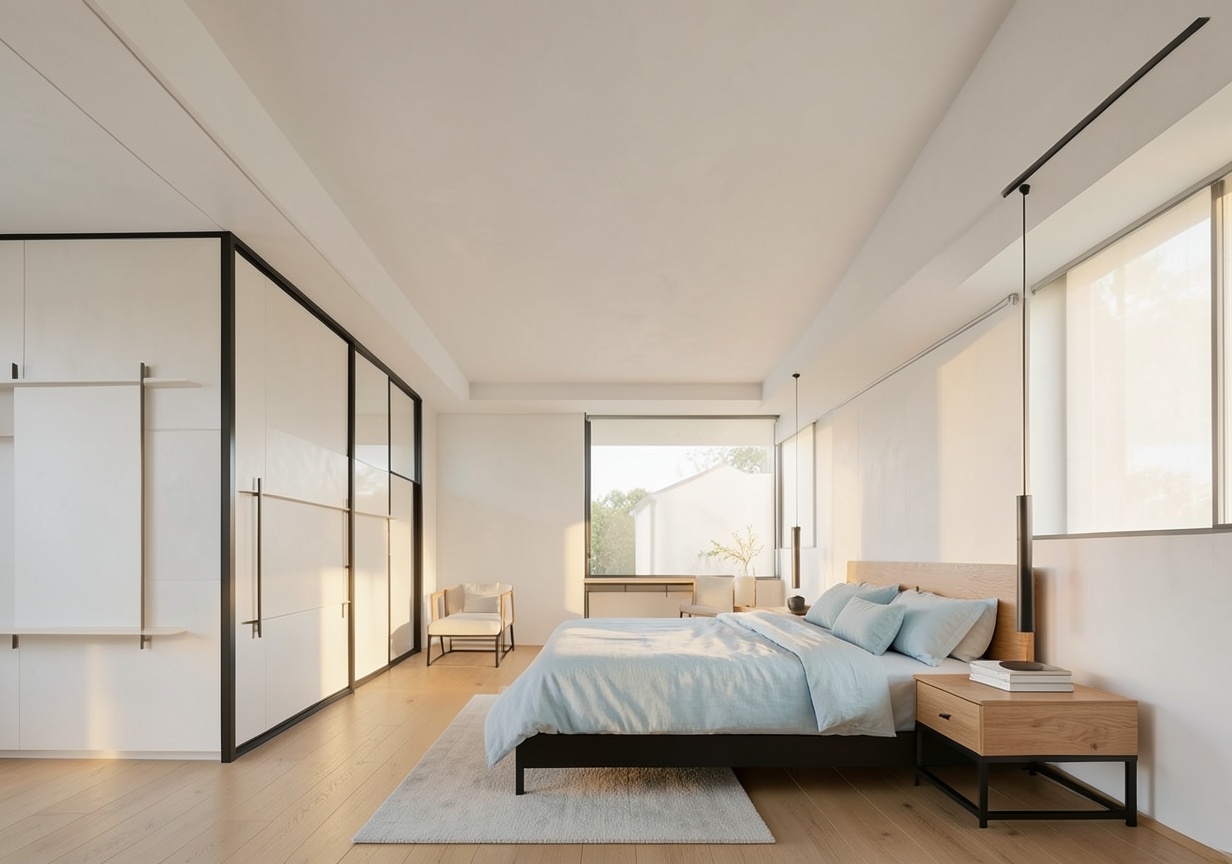
01AI image
Sketch to Real
1-2 min
Sketches -> photorealistic interior photos
Ready-made workflows for interior designers and architects—from sketch to render, plan to 3D, one room to a full angle set, and visualization to client-ready video.
Sketch to Real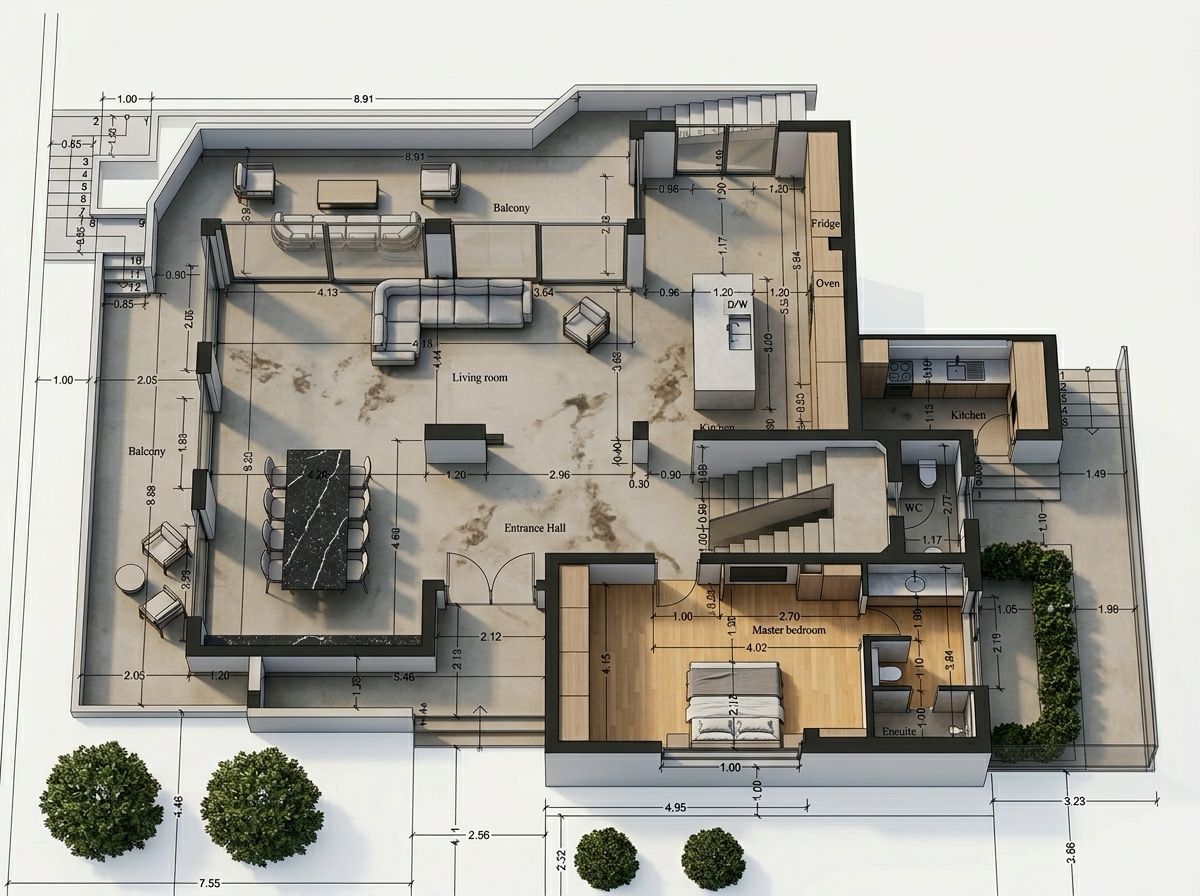 Plan to 3D
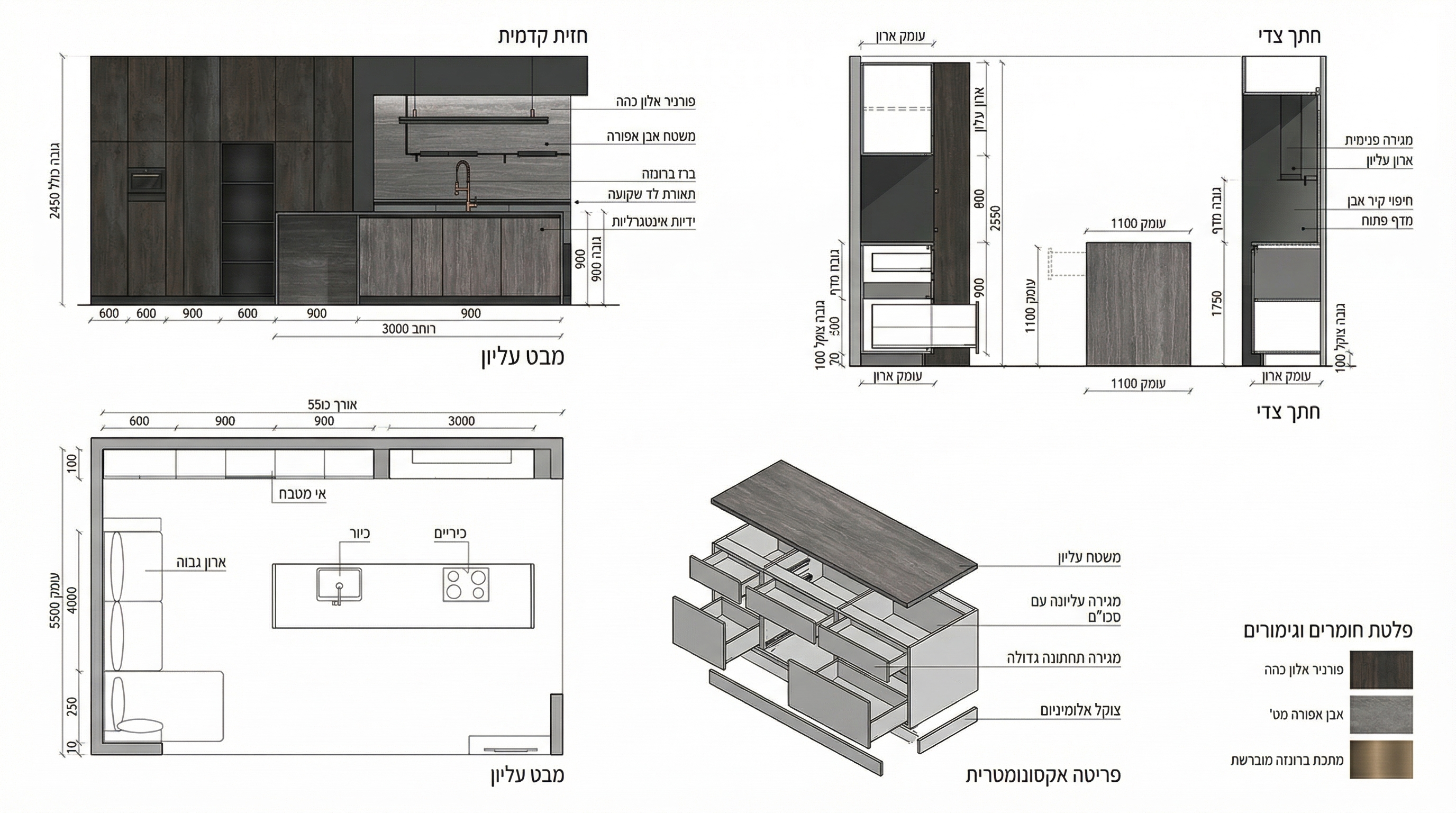 Technical drawing
Every example comes from its matching workflow introduction. Choose a studio task, inspect the output, and open it directly on a new canvas.
AI visualization, design alternatives, and technical outputs
Sketches -> photorealistic interior photos
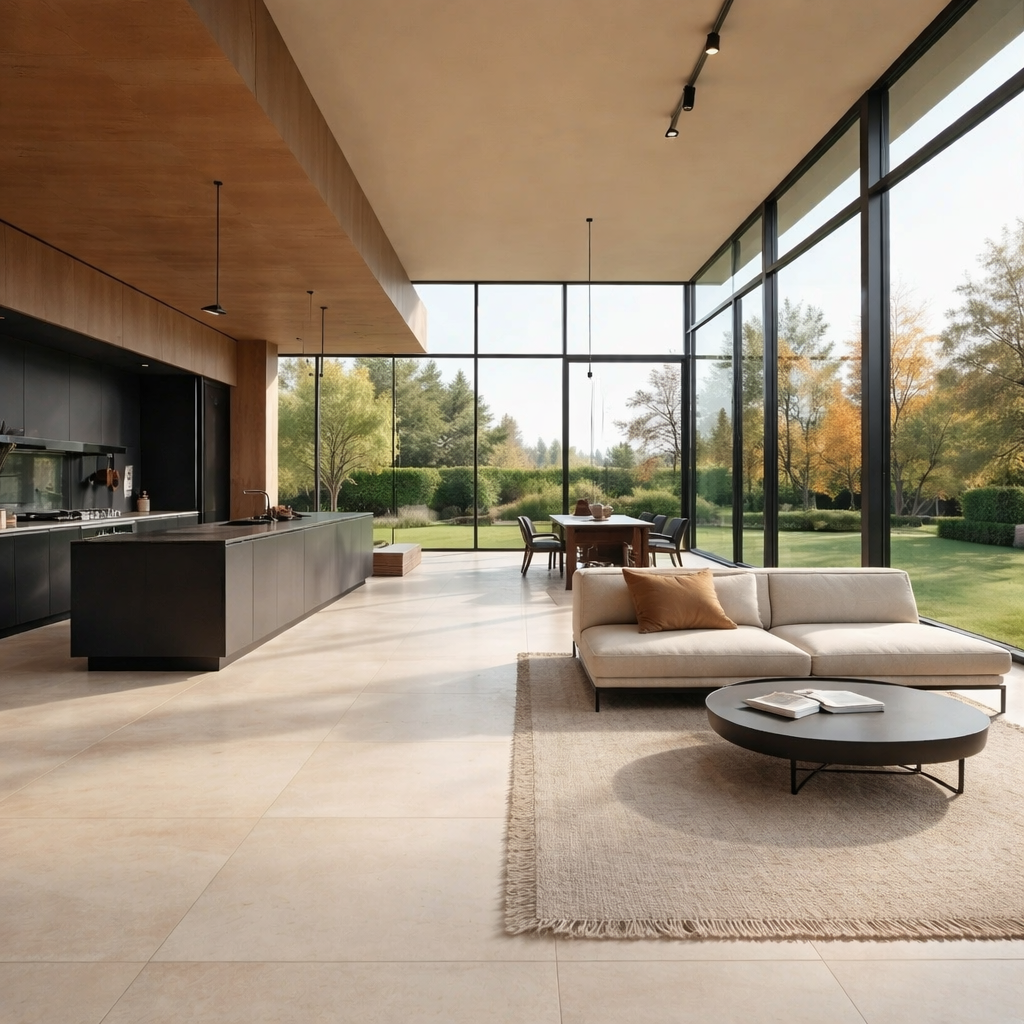


6 unique flooring material options for your room
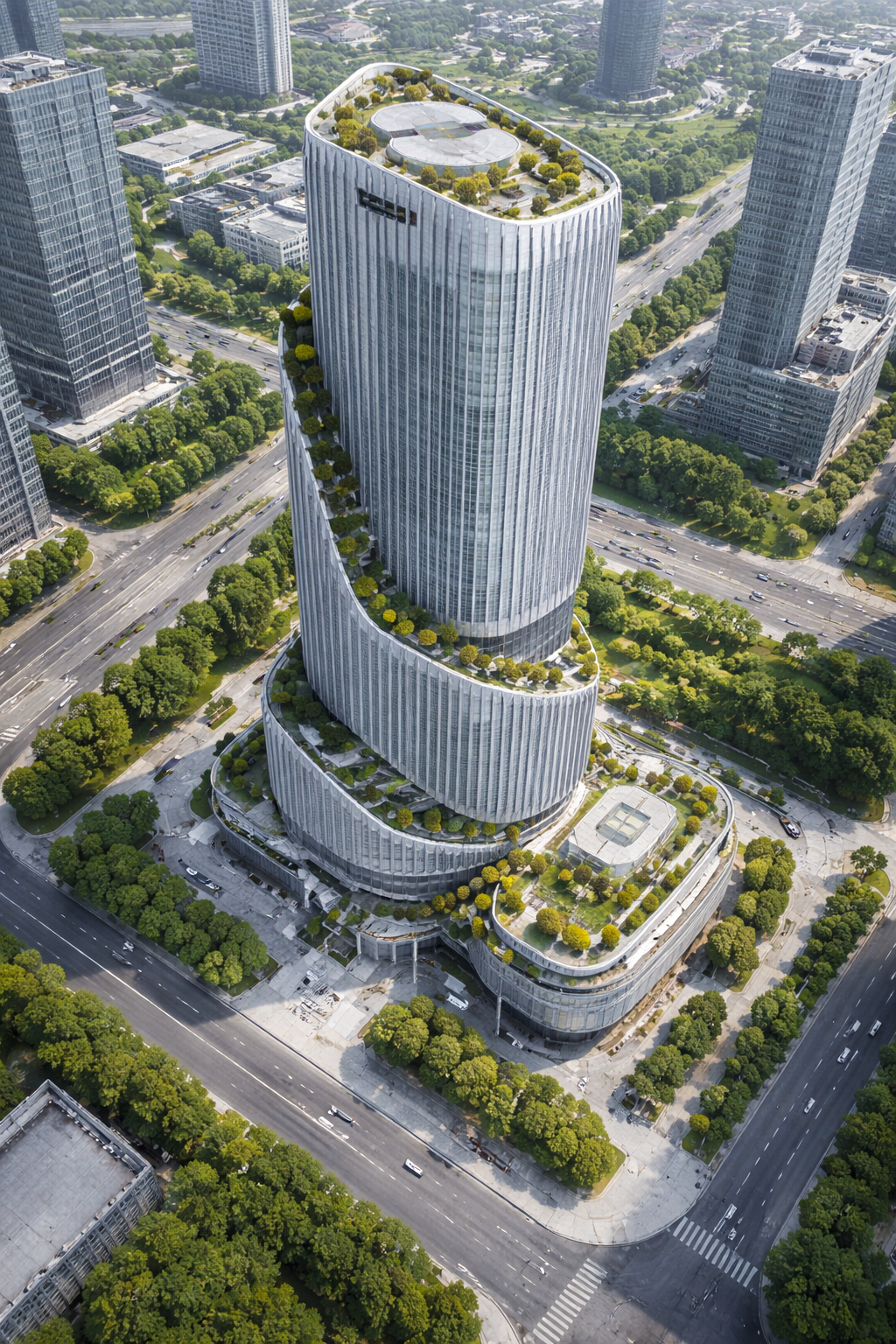


6 camera angles of your exterior building
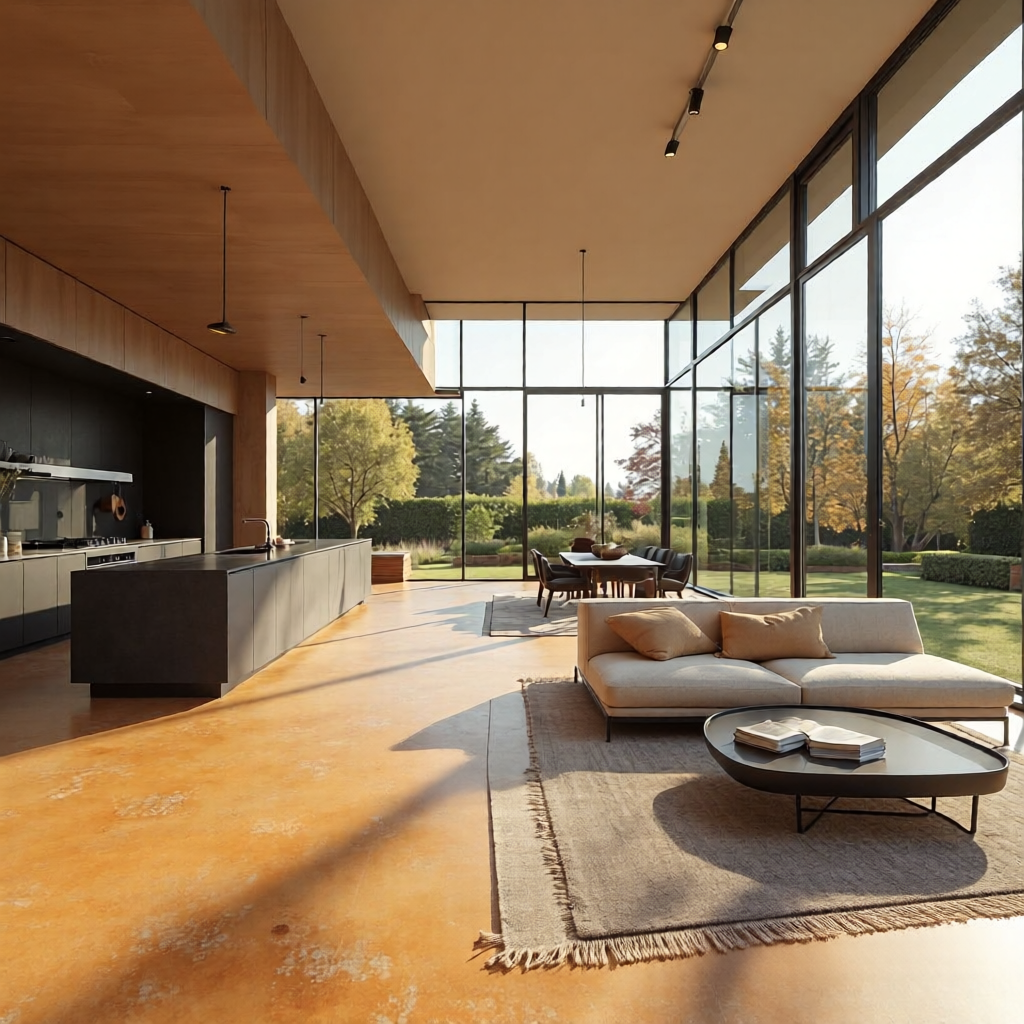


6 completely different camera angles
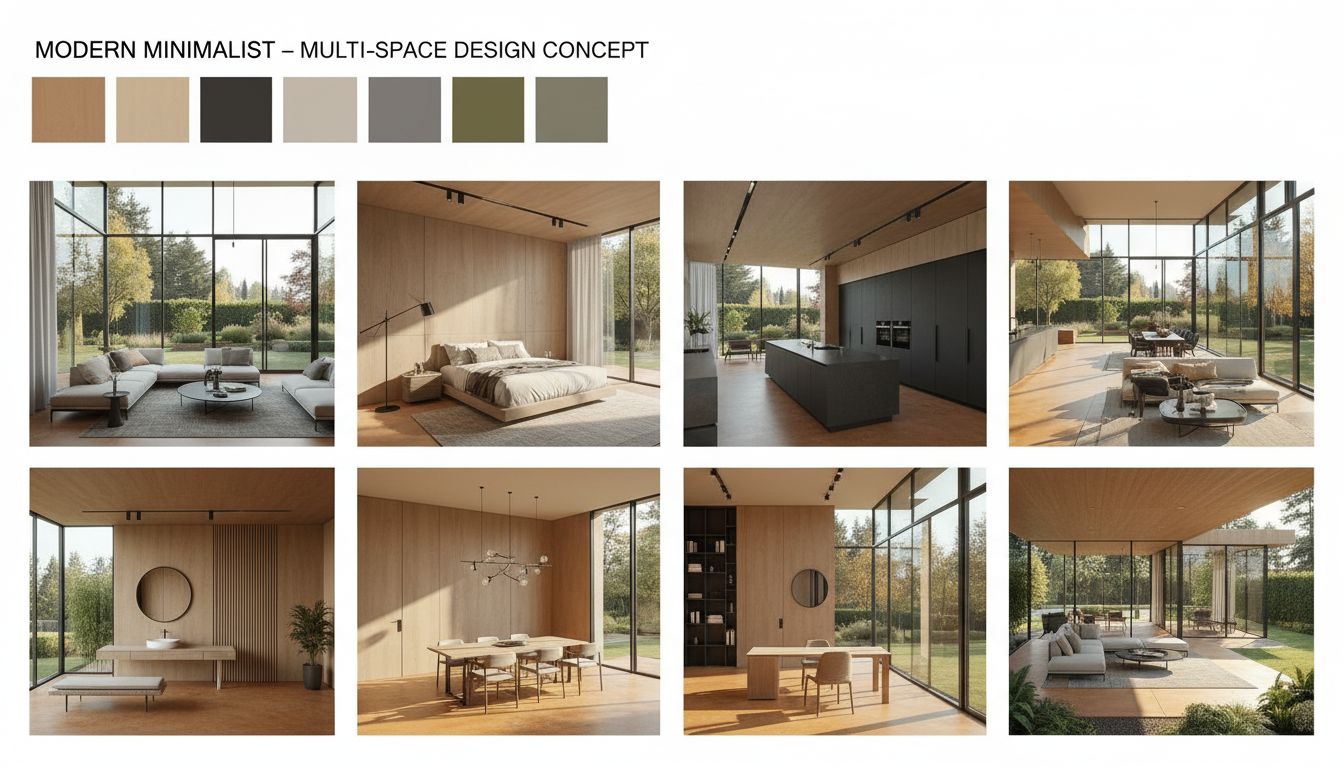
One style, endless rooms. Design consistency
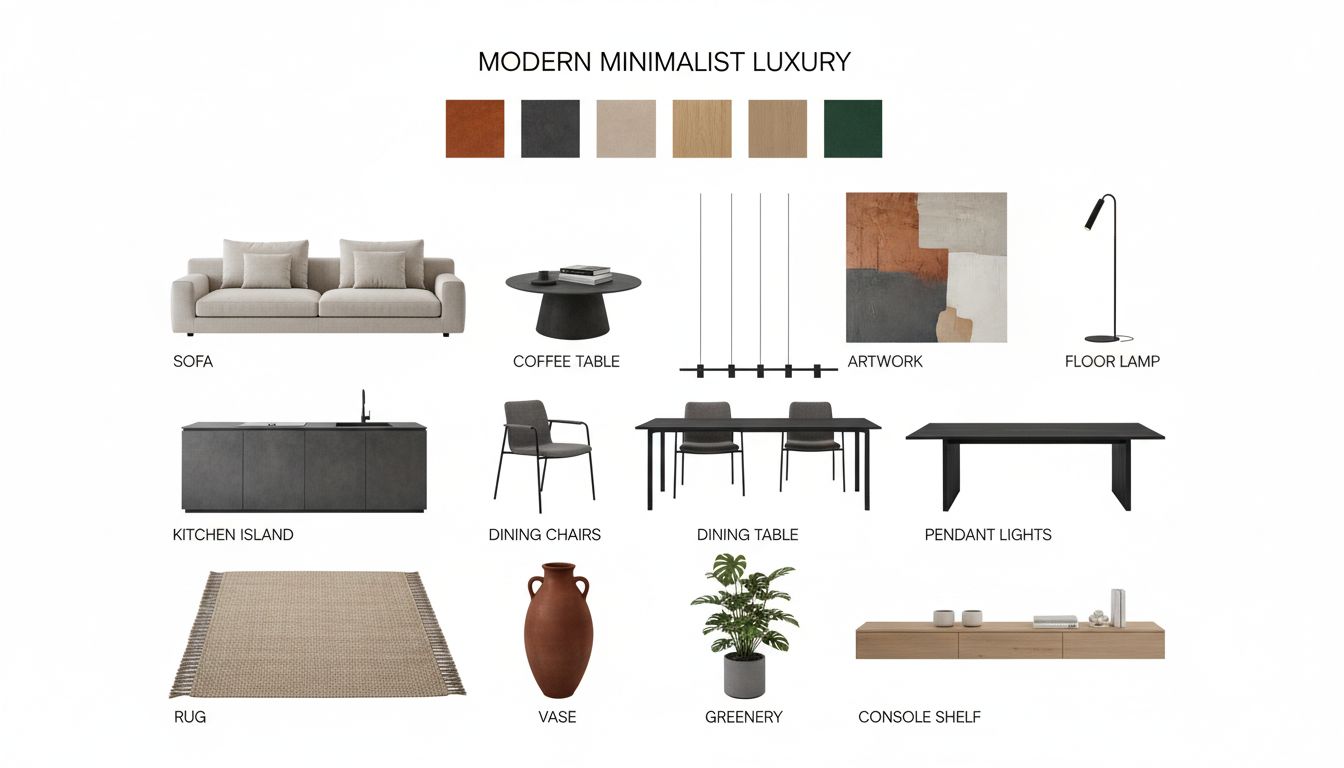
Extract design DNA + 10-15 furniture & decor items
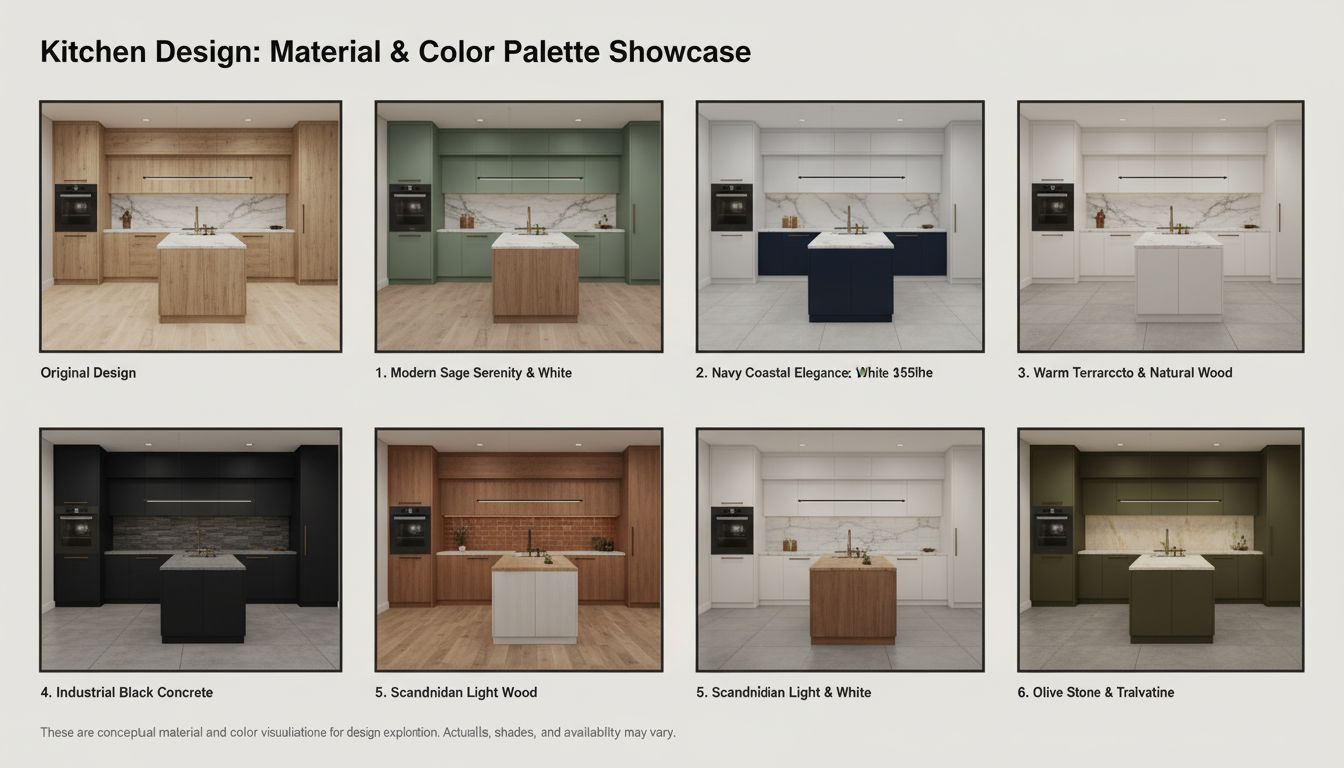
6 kitchen material & color palette variations


6 professional camera angle variations
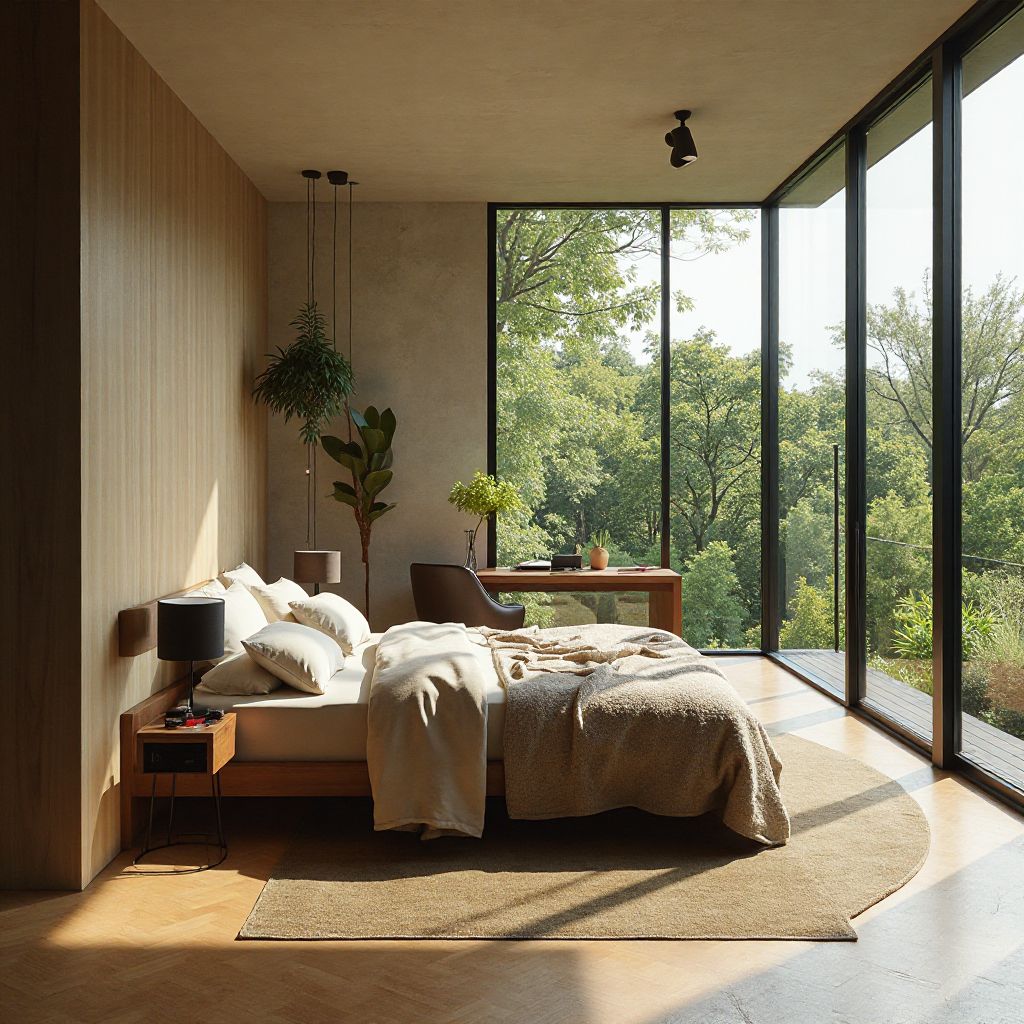


One idea -> 6 different camera angles
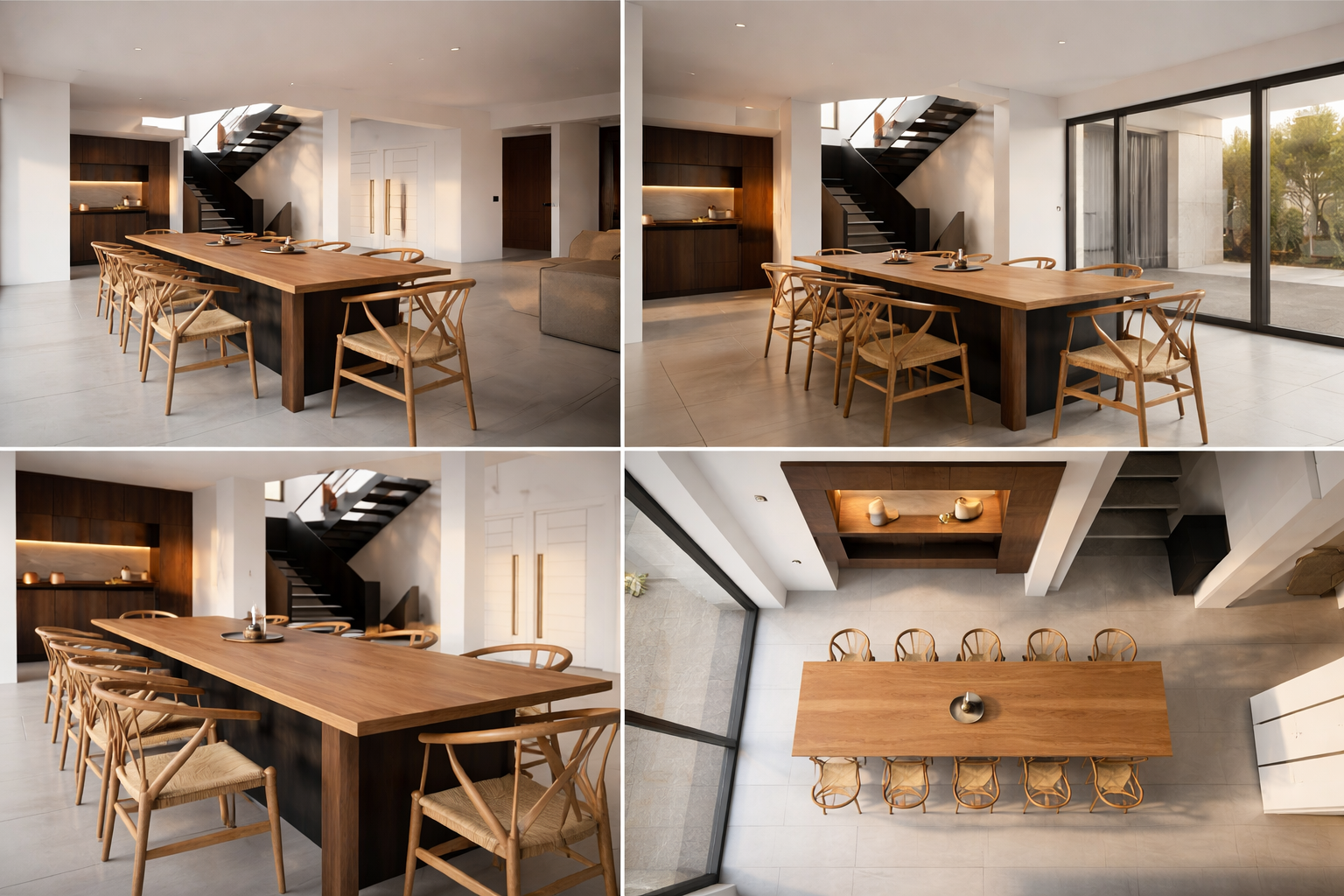
4-angle visualization board from your render
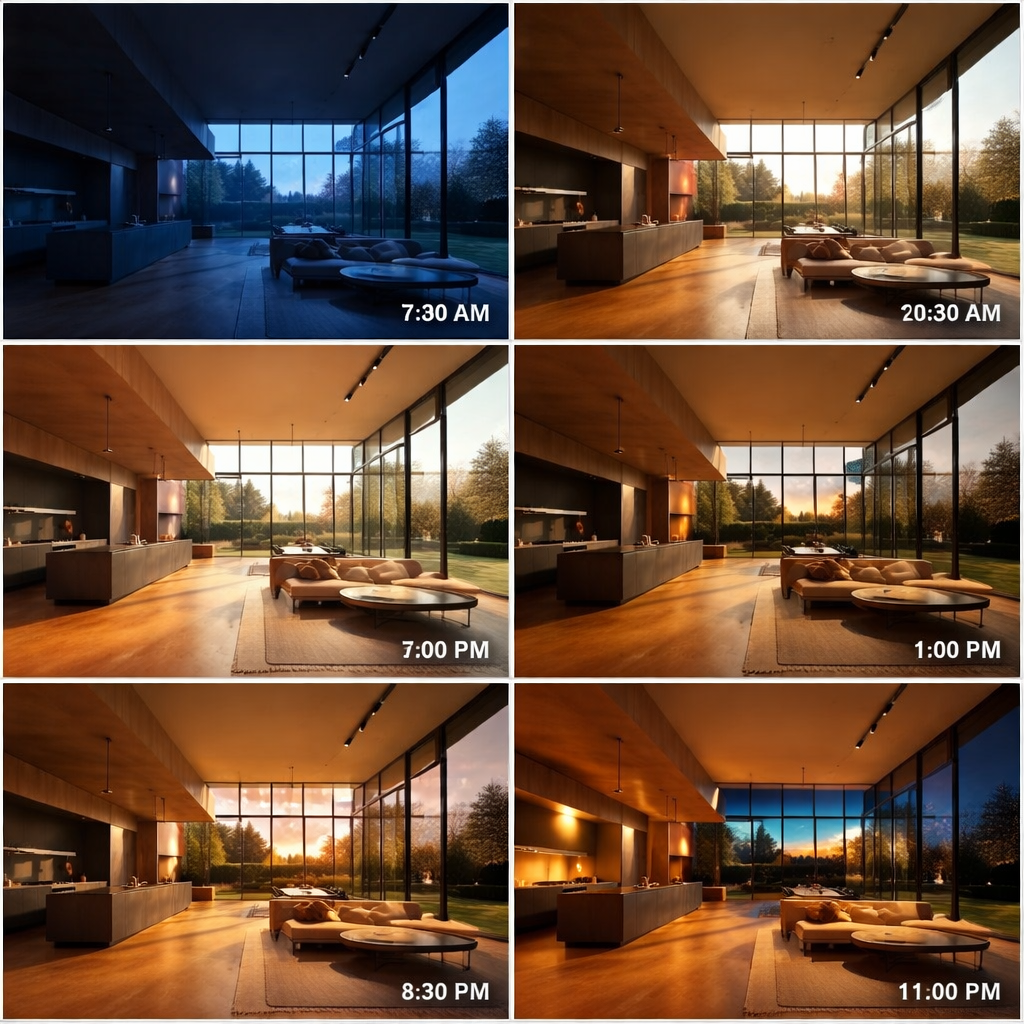
8 timelapse frames: day-to-night light
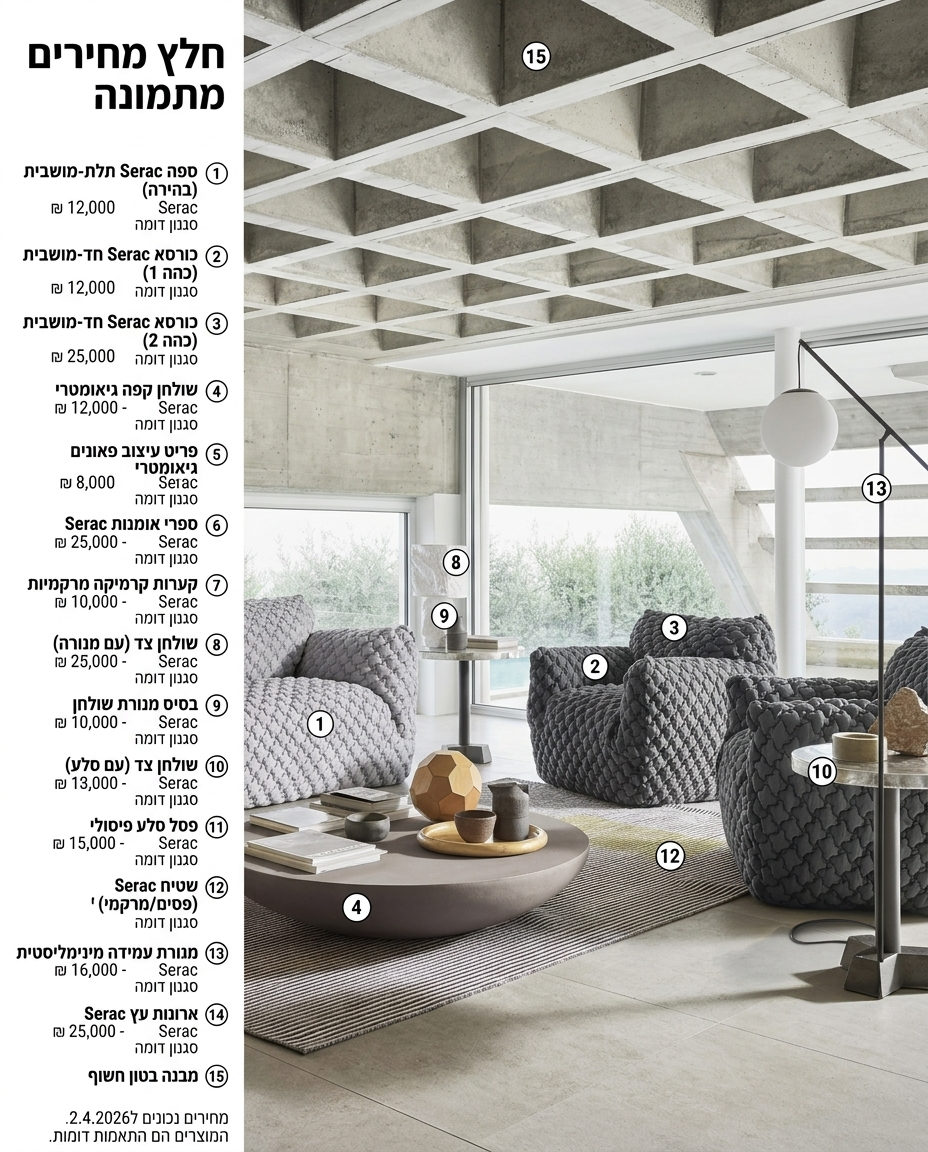
Shoppable room with product callouts
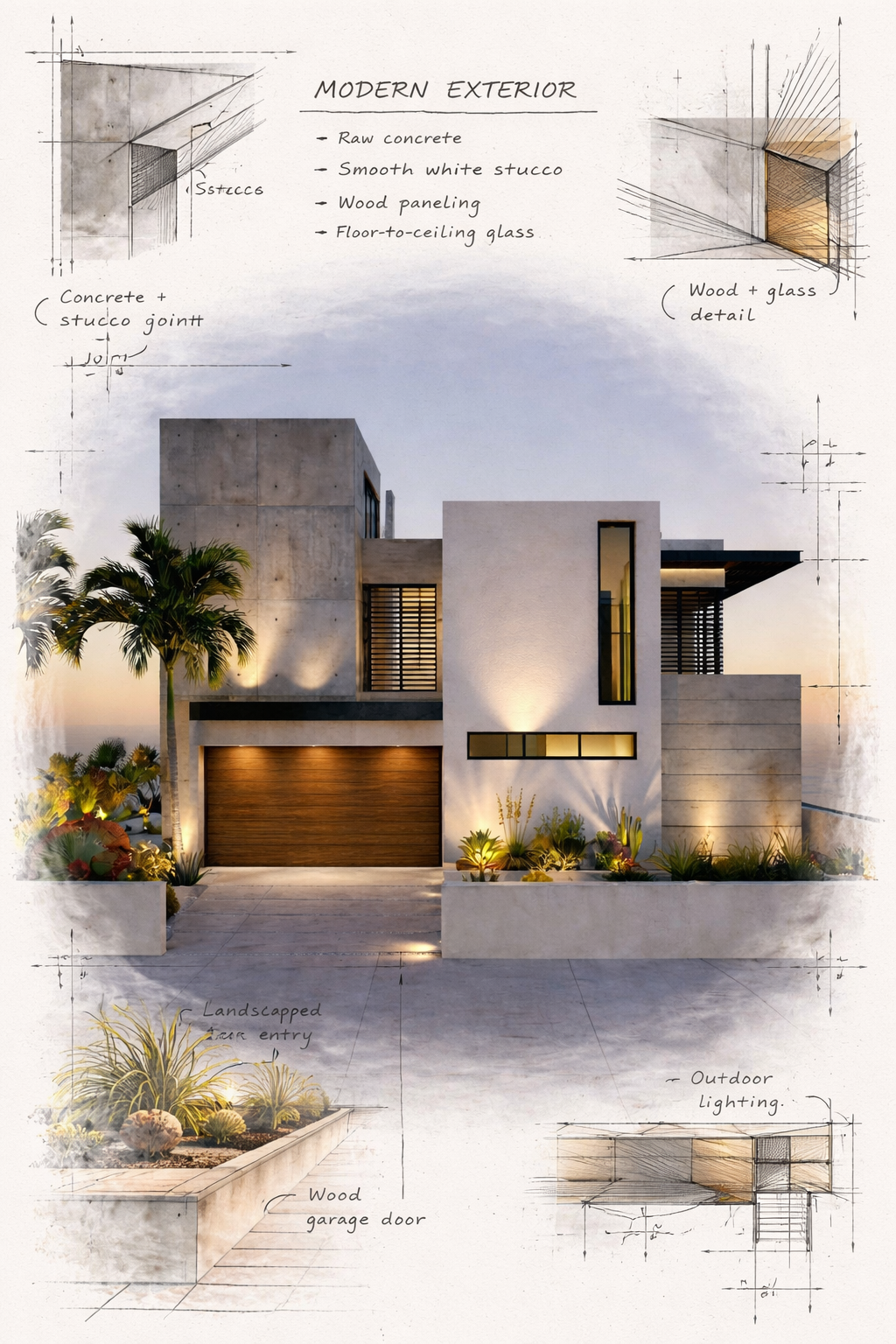
Sepia architectural presentation board
Black & white architectural presentation board
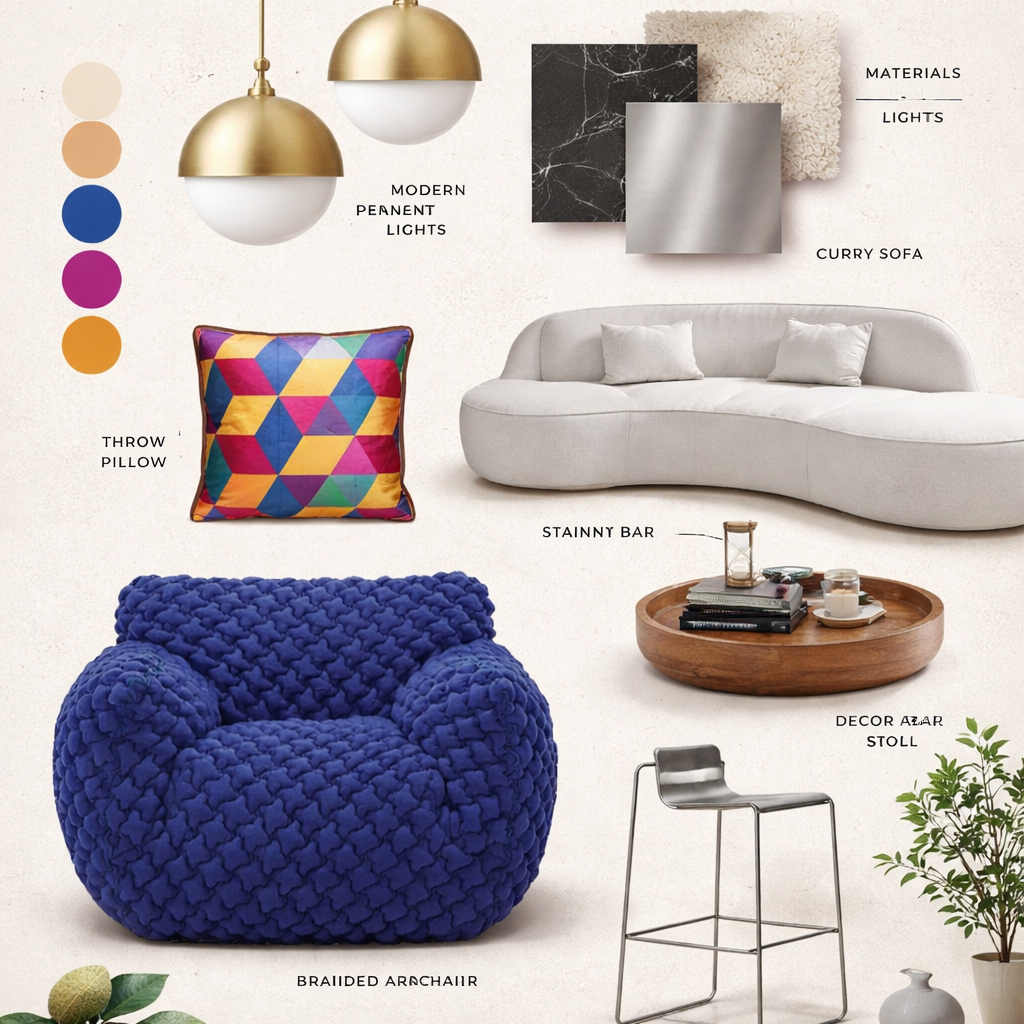
Professional moodboard from up to 10 images

Floor plan -> 3D top-view + axonometric
Turn a kitchen image into a professional technical drawing sheet
Timelapse, camera movement, and social content
5s timelapse video - interior design reveal
5s timelapse - building construction
5s 360° rotation video - vertical 9:16
5s video of a family in your design
Up to 7 images (1st = B&W plan) -> drone walkthrough video
2 videos (8s each) - construction stages
Stitch 2-9 videos into one combined video
Boardspace brings AI tools for interior designers and architects into one workspace. Instead of moving between image generators, video tools, and presentation software, a workflow runs a defined process and returns every output to the project canvas.
Create AI interior visualizations, test flooring and materials, build moodboards, derive views from an architectural plan, prepare kitchen drawings, or turn a render into a project video—quickly and consistently for client presentation.
An AI workflow combines several automated steps into one professional task, such as turning a sketch into a render, creating a moodboard, or producing a client-ready project video.
Yes. They cover daily studio needs including visualization, material options, camera angles, plan-to-3D views, kitchen drawings, and presentation videos.
No. Most workflows start with an image upload and run the AI steps for you. Results return to the canvas for editing and presentation.
Open a canvas, choose a workflow, and start building your next presentation.